Gift cards and store credit
Sell gift cards, top them up and take them as payment.
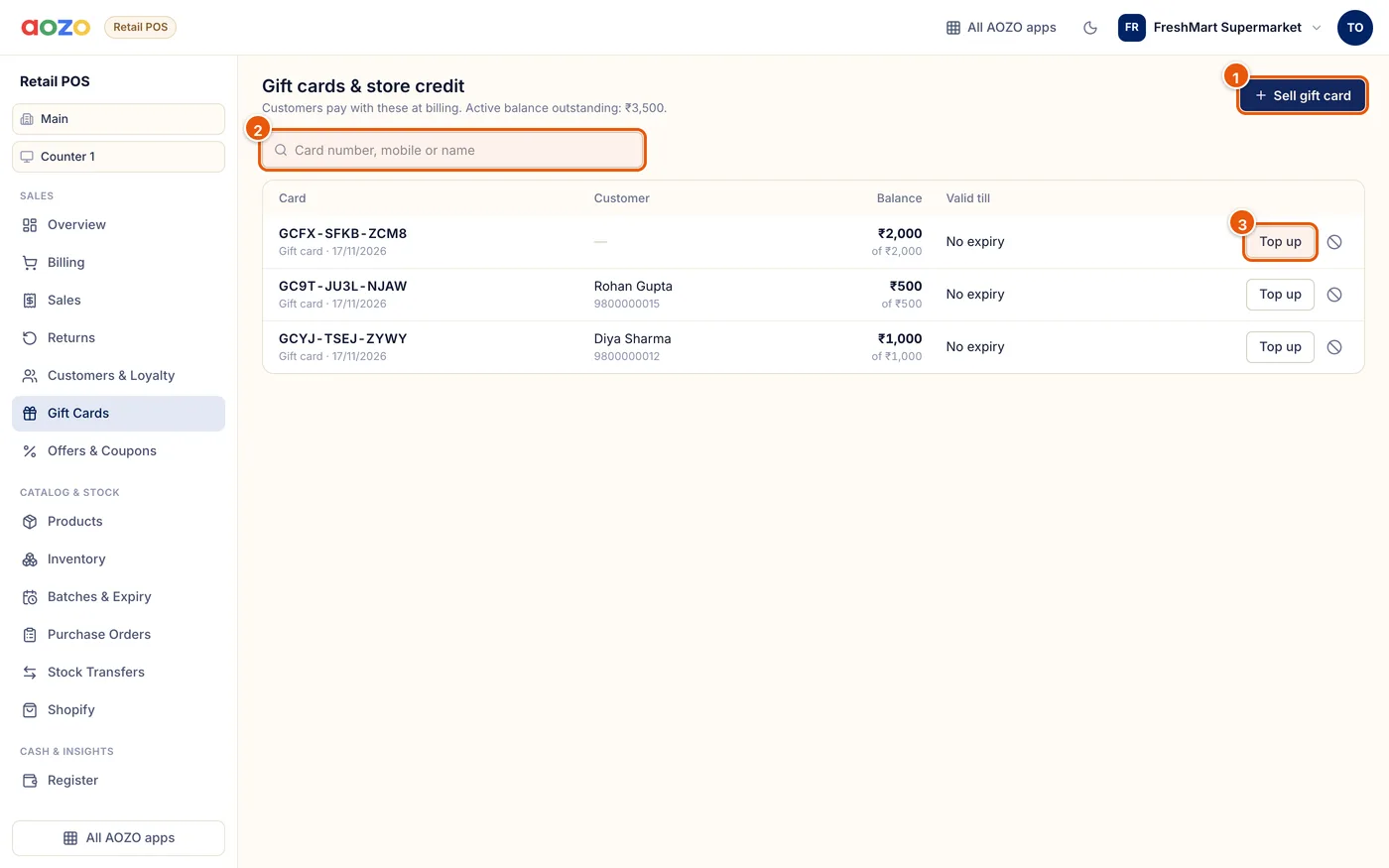
- Sell a gift card
- Find a card by number, mobile or name
- Top up a card
Sell a card
Choose Sell gift card, enter the value and how the customer paid, and optionally their name and mobile.
Give the code
Each card gets a unique code to print or share.
Take it as payment
At payment, enter the gift card code. A card can pay part of the bill and the rest can be paid another way.
Top up or block
Top up a card, or block a lost one.
Note
Selling a gift card is not counted as sales. The sale is counted when the card is spent.