Offers and coupons
Run automatic offers and coupon codes. Each bill gets the single best offer.
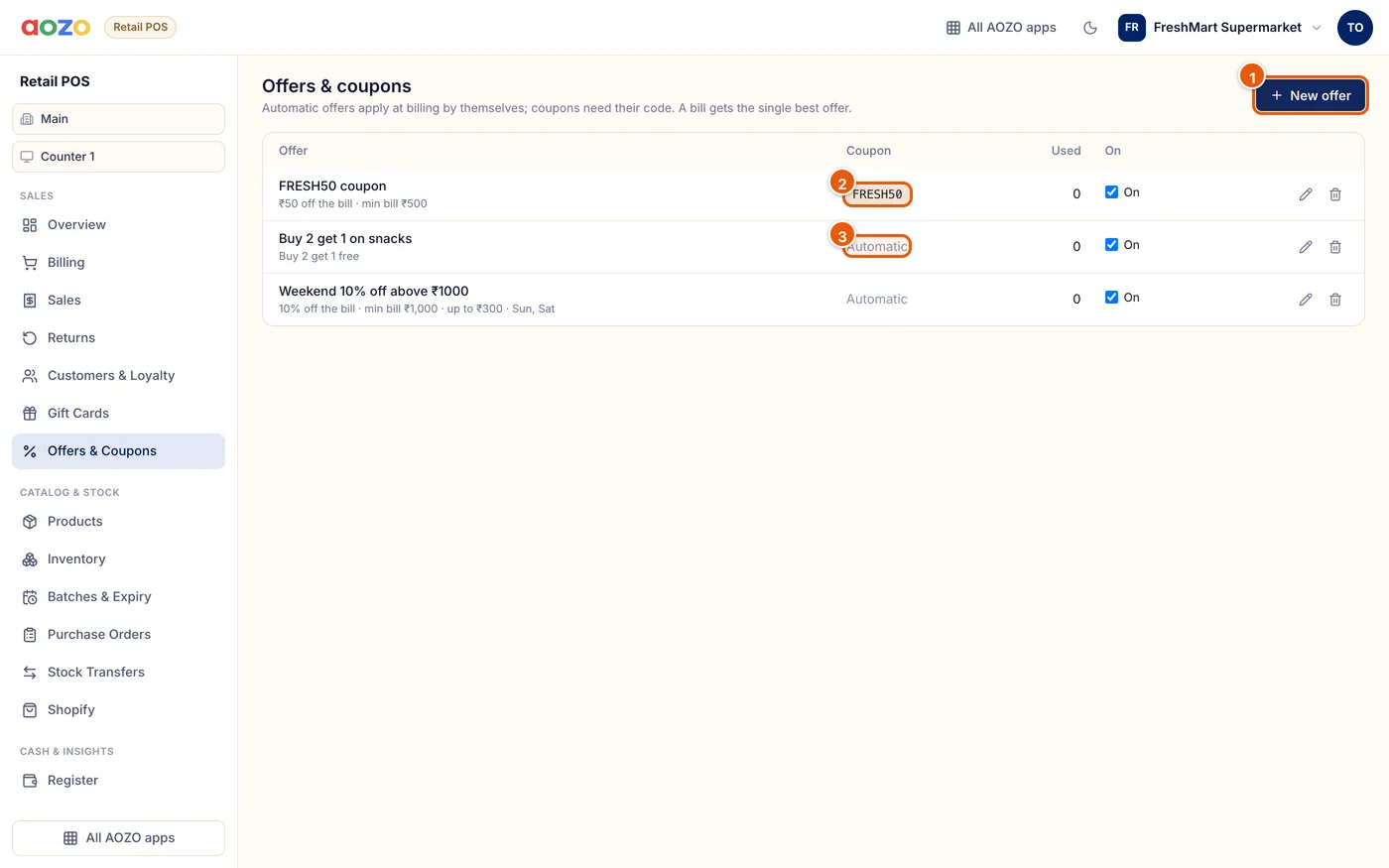
- Create an offer
- A coupon code the customer gives at billing
- Automatic offers apply by themselves
| Offer type | Example |
|---|---|
| Percent off the bill | 10% off above ₹1,000, up to ₹300 |
| Flat off the bill | ₹50 off on bills over ₹500 |
| Percent off items | 15% off on beverages |
| Buy X get Y | Buy 2 get 1 free on snacks |
Create the offer
Choose New offer, name it and pick the type and value.
Set the rules
Optionally set a minimum bill, a maximum discount, the items or categories, the days of the week, the hours and the outlets.
Coupon or automatic
Add a coupon code if customers must ask for it. Without one, the offer applies by itself.
Switch on or off
Use the On box to pause an offer without deleting it.
Tip
Use days and hours for happy hours, for example 15% off from 3 pm to 6 pm, Monday to Thursday.