Purchase orders and suppliers
Order stock from suppliers and receive it into stock at cost.
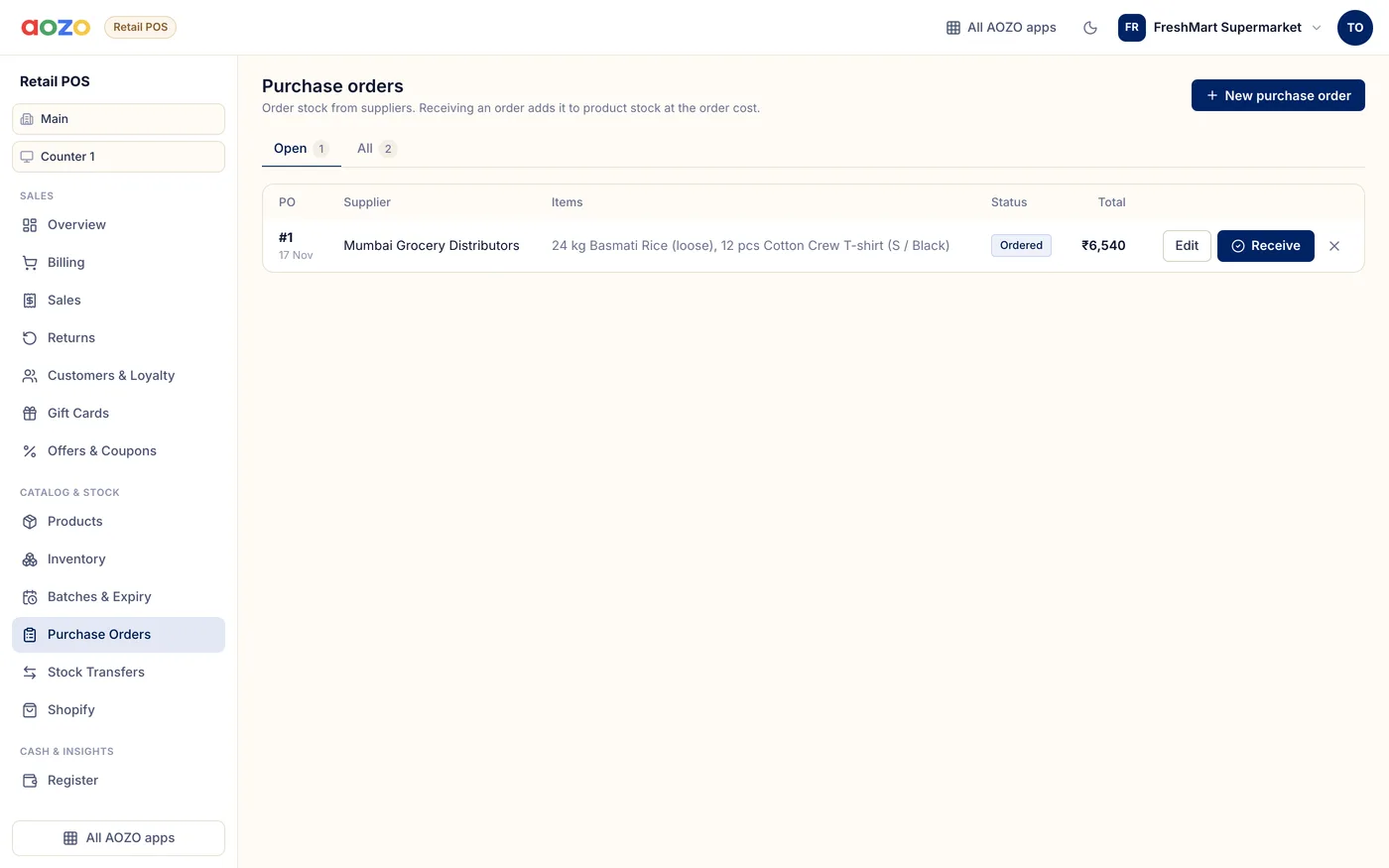
Purchase orders
Create the order
Choose New purchase order, pick the supplier and add items with quantity and cost.
Mark it ordered
Save it as Draft or Ordered.
Receive
When the goods arrive, choose Receive. Stock goes up at the order cost, with batch and expiry if the product tracks batches.